
If your website runs on WordPress, you may have seen some alarming headlines this week. On October 21, 2026, the team behind PHP, the programming language that powers most of the web, released an emergency security update for two critical flaws researchers are calling PHP2Shell.
Here’s the plain-English version of what happened, whether your site is affected, and the four steps to take this week.
Key takeaways
- PHP fixed two critical flaws (CVE-2026-109618 and CVE-2026-109619), each rated 9.2 out of 10 for severity.
- They can let an attacker run code on your web server without logging in, even if your website itself is built correctly.
- Updating PHP is not the same as updating WordPress. Your host or developer has to do it.
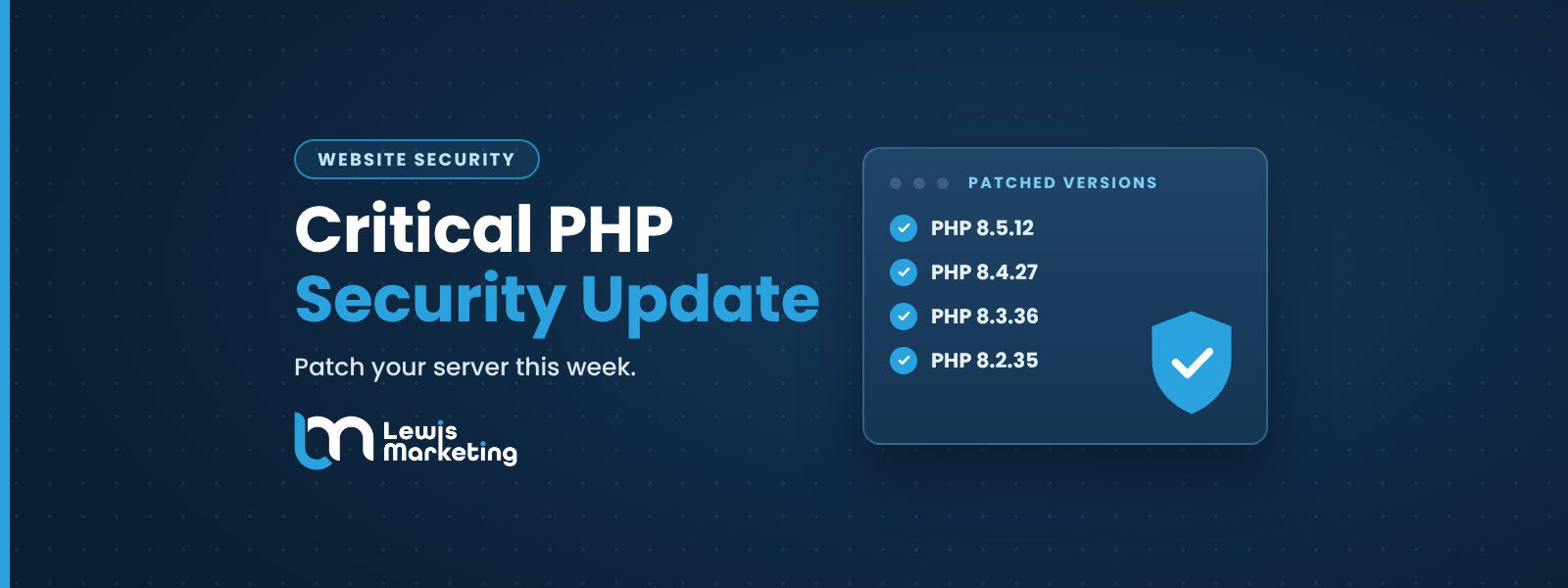
- The fix: PHP 8.5.12, 8.4.27, 8.3.36 or 8.2.35. Anything older than PHP 8.2 gets no fix from the PHP project.
What happened?
PHP is the behind-the-scenes language that runs WordPress, Drupal, WooCommerce and thousands of other website platforms. Security researchers at Wiz, working with Calif and OpenAI’s Codex Security team, found memory-safety bugs in PHP itself. The PHP project’s official security advisory says the two flaws “can allow unauthenticated remote code execution.” In plain terms: a stranger on the internet could take control of the server your website lives on.
Two details make this one different from a typical plugin bug:
- It isn’t your website’s fault. Wiz reports that “even a simple ‘Hello World’ application running on an affected PHP version can be vulnerable.” A well-built site on an unpatched server is still exposed.
- It goes back years. Wiz says nearly every PHP version is affected by at least one of the issues, “including releases dating back to PHP 5.4.”
Is anyone actually being attacked?
Yes, attempts started fast. The Hacker News reports that Cloudflare saw exploit attempts before the patch was even public, and the security firm watchTowr reported active exploitation attempts against both flaws within minutes of the release. As of this writing, no confirmed break-in of a specific server has been reported.
The European Union’s cybersecurity team, CERT-EU, went as far as advising organizations that can’t patch to consider taking affected sites offline (Insurance Journal / Reuters). Most small businesses won’t need to go that far, but it shows how seriously the security community is treating this.
Why this matters for small businesses
Your website is often the first place a customer meets your business. A compromised site can:
- Redirect visitors to spam or scam pages
- Get flagged by Google and browsers as unsafe, wiping out your search traffic
- Leak form submissions and customer information
- Take days of downtime and clean-up to recover
There’s also a hidden risk: older PHP. W3Techs data shows that among sites using PHP, 26.9% still run PHP 7 and 7.7% still run PHP 5 (W3Techs). Those versions no longer receive fixes from the PHP project, so they’re the most exposed right now.
Updating WordPress is not the same as updating PHP
This is where most business owners get caught off guard. Clicking “Update” in WordPress updates WordPress, your theme and your plugins. It does not update PHP. PHP lives on the server, so your hosting company or website developer has to update it. Wordfence warned that automatic updates won’t apply this fix (Insurance Journal).
| Your setup | Who updates PHP | What to do |
|---|---|---|
| Shared or managed WordPress hosting | Your hosting company | Confirm they’ve deployed the patch |
| Managed VPS or dedicated server | Usually your host | Check their status page or ask support |
| Self-managed server | You or your developer | Install the update and restart PHP |
| Site built and hosted by an agency | Your agency | Ask them to confirm your version |
Hosting companies are rolling the fix out now. InMotion Hosting, for example, explains that it applies the patch on shared and managed plans, while self-managed servers need to be updated by the owner (InMotion Hosting).
4 steps to protect your website this week
- Find your PHP version.
In WordPress, go to Tools → Site Health → Info → Server (Help Net Security). Write down the number you see. - Ask who updates it.
Email your host or web developer: “Have you applied the October 21 PHP security update (8.5.12, 8.4.27, 8.3.36 or 8.2.35) to my site’s server?” - Upgrade if you’re on PHP 8.1 or older.
The PHP project no longer fixes these versions. Moving to a supported version may require plugin or theme updates, so test it first. - Plan ahead for PHP 8.2.
Per the PHP project’s support schedule, PHP 8.2 stops receiving security fixes on December 31, 2026. If you’re on 8.2, schedule your move to 8.4 or 8.5 before then.
“There are no complete mitigations, updating is the only safe choice.”The PHP project, PHP 8.5.12 release notes
Frequently asked questions
Is my WordPress website affected by PHP2Shell?
Almost certainly, unless your host has already updated PHP to a patched version. WordPress runs on PHP, and nearly every PHP version back to 5.4 is affected.
Will updating my plugins fix this?
No. The flaws are in PHP on the server, not in WordPress or plugins. Keep plugins updated anyway, but PHP itself has to be patched by your host or developer.
Which PHP versions are safe?
PHP 8.5.12, 8.4.27, 8.3.36 and 8.2.35 or newer. Anything older than PHP 8.2 needs an upgrade to a supported version.
What if my site was attacked before it was patched?
Watch for the warning signs called out by Wiz and the PHP advisory: repeated server errors (HTTP 500), unexplained memory errors, oversized session cookies, and unusual traffic. If something looks off, have a professional review the site.
The bottom line
PHP2Shell is serious, but the fix is simple: make sure the PHP on your server is updated. A five-minute check today can save you weeks of headaches.
Not sure where your website stands?
Lewis Marketing builds and maintains WordPress websites for businesses across Northwest Iowa and beyond. We’ll help you check your PHP version, confirm your site is patched, and keep it secure.
Talk to our team Or explore our web design & development services. Related: Optimize your website for AI search.Sources
- PHP project: Security advisory, critical remote code execution vulnerabilities (Oct 21, 2026)
- PHP project: Supported versions
- Wiz Research: PHP2Shell
- The Hacker News: PHP issues emergency patches for two critical PHP2Shell RCE flaws
- Help Net Security: Critical PHP security release
- Insurance Journal (Reuters): EU cyber agency warns websites may go dark
- W3Techs: Usage statistics of PHP (Oct 22, 2026)
- W3Techs: Usage statistics of WordPress (Oct 22, 2026)
- InMotion Hosting: PHP critical security release